
The Extech Model IR267 Mini IR Thermometer measures and displays non‐contact (infrared) temperature readings and ambient air temperature. In addition, the Type K thermocouple provides contact temperature measurements. The built‐in laser pointer increases target accuracy while the backlit LCD and handy push‐buttons combine for convenient, ergonomic operation. The adjustable emissivity feature allows the IR thermometer to measure the temperature of virtually any surface.
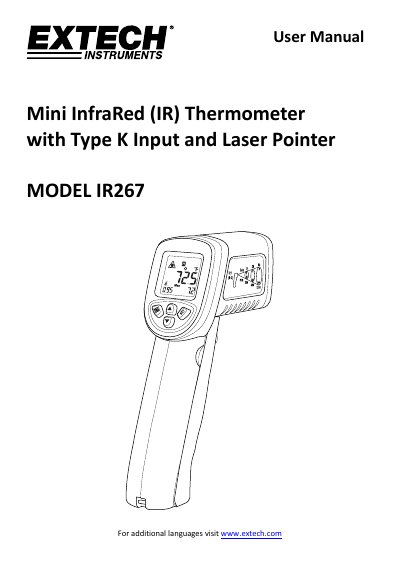
The Extech Model IR267 is a mini infrared thermometer designed for measuring non-contact surface temperatures and ambient air temperatures. It features a built-in Type K thermocouple input for contact measurements, a laser pointer for targeting, and an adjustable emissivity setting to ensure accuracy across various materials. The device includes a backlit LCD, automatic data hold, and MAX/MIN/AVG/DIF recording functions.
| Non-contact surface temperature range | up to 1112°F (600°C) |
|---|---|
| Ambient air temperature range | to 158°F (70°C) |
| Distance to Spot Ratio | 12:1 |
| Thermocouple type | Type K |
| Battery type | 9V |
| Emissivity range | 0.05 to 1.00 |
The meter's field of view is 12:1 (distance to spot ratio).
If the temperature exceeds 1112°F (600°C), the thermometer displays OL.