
User manual of Extech IR100 Pocket InfraRed Thermometer. This device allows the user to take non-contact temperature measurements simply by pointing the meter and pressing a button. The meter is shipped fully tested and calibrated and with proper use will provide years of reliable service.
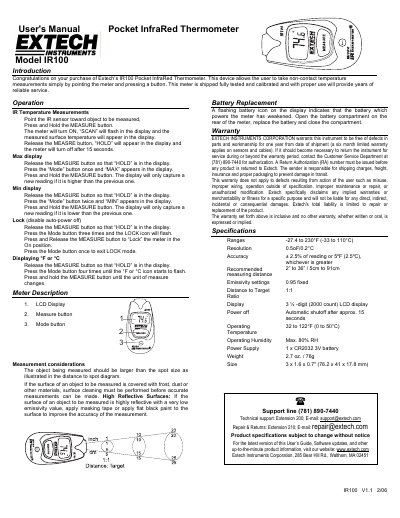
This user manual explains how to operate the Extech IR100 pocket infrared thermometer for non-contact temperature measurements. It covers basic functions like measuring, locking, and switching between °F and °C. The device features a 3½-digit LCD display and a CR2032 battery. It includes safety and measurement considerations, such as surface reflectivity and emissivity, and instructions for battery replacement and warranty support.
| Ranges | -27.4 to 230°F (-33 to 110°C) |
|---|
The device uses a single CR2032 3V battery.
The recommended measuring distance is 2” to 36”.
The weight is 2.7 oz. / 76g.
The power supply is 1 x CR2032 3V battery.