
The user manual introduces the use of the Extech PRC30 multifunction process calibrator.
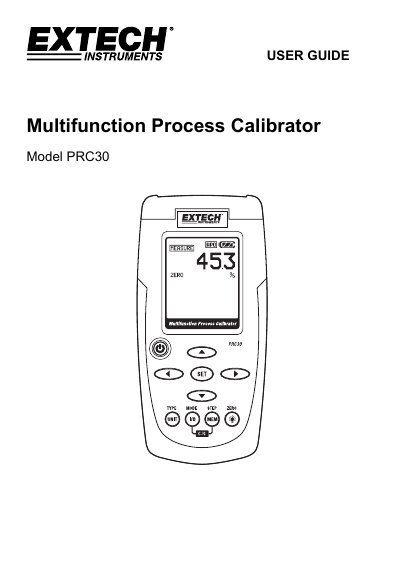
The Extech PRC30 is a multifunction process calibrator designed for temperature, current, and voltage measurements and sourcing. It features a dot matrix LCD display, cold junction compensation, and five memory locations for stored values. The device operates on six AA batteries or an AC adaptor and includes auto power-off after 10 minutes of inactivity. It supports thermocouple types J, K, T, E, C, R, S, N, and can source current up to 24mA or voltage up to 20V. The unit is designed for use in industrial and calibration environments with a wide operating temperature range and rugged construction.
| Display | Dot matrix LCD |
|---|---|
| Cold junction compensation | 0.03°C per °C (0.02°F per °F) |
| Thermocouple Standard | NIST 175, ITS-90 |
| Current output capability | 24mADC at 1000 ohms |
| Voltage input impedance | 10kohms minimum |
| Meter Power | 6 AA batteries or AC adaptor |
| Auto Power OFF | After 10 minutes of inactivity |
| Operating Temperature | 5ºC to 40ºC (41ºF to 104ºF) |
| Storage Temperature | -20 ºC to 60 ºC (-4 ºF to 140 ºF) |
| Operating Humidity | Max 80% up to 31ºC (87ºF) decreasing linearly to 50% at 40ºC (104ºF) |
| Storage Humidity | <80% |
| Operating Altitude | 7000ft (2000meters) maximum |
| Dimensions | 159 x 80 x 44 mm (6.3 x 3.2 x 1.7") |
| Weight | 225g (8 oz.) without batteries |
Use the POWER button to turn the unit ON or OFF.
Replace the battery as soon as possible, as low battery power may cause inaccurate readings and erratic meter operation.
Press and Hold the TYPE/UNIT button for 1 second to change the thermocouple type (J, K, T, E, C, R, S, N or mV).
In the MEASURE mode, press and hold the ZERO button for 1 second to zero the meter.