
This is a quick start guide for a KVM switch product, which introduces the basic functions and usage methods of this product.
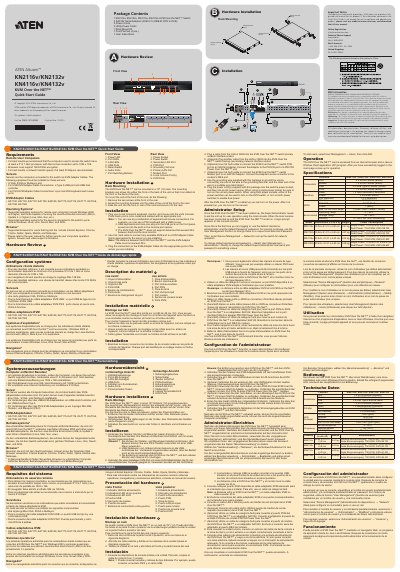
This document provides a quick start guide for the ATEN KN2116v, KN2132v, KN4116v, and KN4132v KVM Over the NET switches. It details the hardware overview, including power, port, and LAN LEDs, as well as USB and audio ports. The guide explains how to mount the unit in a 19-inch rack and connect local console peripherals like keyboards and mice.
| Processor Requirement | P III 1 GHz |
|---|---|
| Screen Resolution | 1024 x 768 |
| Network Speed | 512kbps |
| Encryption | 128 bit SSL |
| Max Distance to Monitor | 20m |
| Max Distance to Adapter | 40m |
Windows 2000 and higher, and systems capable of running Java Runtime Environment (JRE) 6, Update 3, or higher.
Internet Explorer, Chrome, Firefox, Safari, Opera, Mozilla, and Netscape.
Cat. 5e/6 cable.