
This manual introduces the functions and usage of ADLoG MDevice.
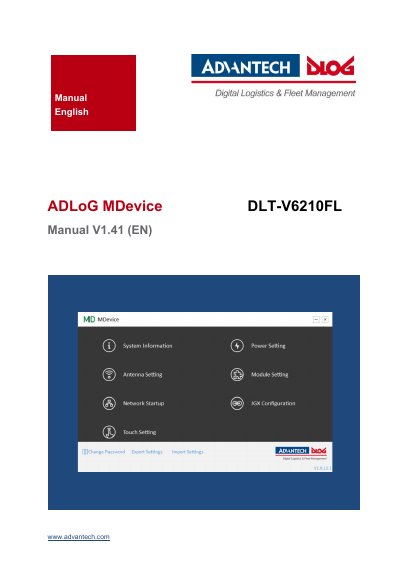
This manual provides step-by-step instructions for configuring the Advantech DLT-V6210FL industrial PC using the MDevice utility. It covers system setup, power settings, module configuration, antenna settings, and network startup. The software supports multiple Windows operating systems including Windows 7, WES7, WEC7, and Windows 10 IOT. Safety warnings and technical support information are also included.
The manual is designed for skilled users only, as improper configuration may void warranty. It includes detailed menus for system information, touch settings, and export/import functions, with specific guidance for the DLT-V6210FL model.
Microsoft Windows® 7 Professional, Windows® Embedded Standard 7, Windows® Embedded 8 Standard, Windows® 8.1 Industry Professional, Windows® 10 IOT, and Windows® Embedded Compact 7 (WEC7).
The default password is 'ex works'.
Only skilled qualified persons are permitted to configure Industrial PCs with MDevice.