
Allied Telesis 8100S Series Fast Ethernet Switches Stack Installation Guide

This manual describes how to stack the 8100S Series Fast Ethernet Switches
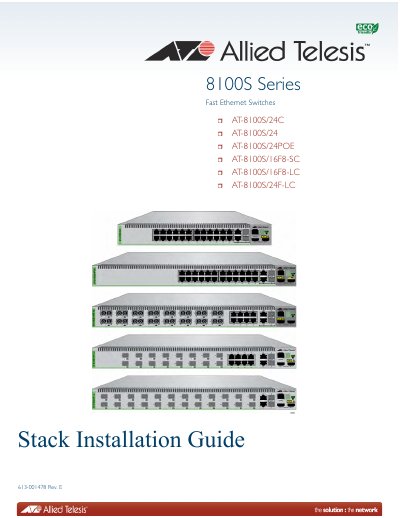

Allied Telesis 8100S Series Fast Ethernet Switches Stack Installation Guide - cover page
Brand
Allied Telesis
Category
Network Switches
Document type
Installation Guide
Language
English
Pages
140
File format
PDF
File size
1.1 MB
Published
17 October, 2023
Updated
17 October, 2023
MD5 checksum
036F395F600A97C430A400A937E5D0A9

About this manual

This document provides instructions for installing and configuring stacks of Allied Telesis 8100S Series Fast Ethernet Switches. It covers the entire process from planning and unpacking to physical rack installation, stacking port cabling, and assigning stack IDs. The guide includes specific procedures for different models within the 8100S series, such as the AT-8100S/24C and AT-8100S/24POE.

What's inside

  • Overview
  • Stacking Overview
  • Beginning the Installation
  • Installing in Equipment Rack
  • Assigning Stack ID Numbers
  • Cabling the Stacking Ports
  • Powering On and Verifying
  • Cabling the Network Ports
  • Managing the Stack
  • Troubleshooting

Specifications

Stacking PortsS1 and S2
Management InterfacesConsole, Telnet, SSH, Web Browser, SNMP
Power SupplyAC or DC

Frequently asked questions

How do I assign stack ID numbers?

You can verify and set the stack ID numbers by starting a local or Telnet management session and changing the ID.

What are the steps to add a new member switch?

To add a new member, connect it to the stack and then follow the procedure for adding a new member switch.

Download PDF (1.1 MB)

More Allied Telesis Manuals


View all Allied Telesis manuals →