
Allied Telesis iMAP 9810 Installation Guide

This document is the iMAP 9810 installation guide
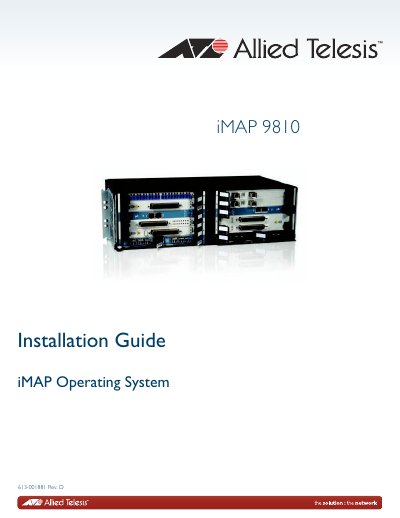

Allied Telesis iMAP 9810 Installation Guide - cover page
Brand
Allied Telesis
Category
Servers Computer
Document type
Installation Guide
Language
English
Pages
72
File format
PDF
File size
1.3 MB
Published
17 October, 2023
Updated
17 October, 2023
MD5 checksum
6207C91BD618483294B7FF5D6B30F938

About this manual

This document provides step-by-step instructions for installing the Allied Telesis iMAP 9810 chassis in an equipment rack. It covers safety precautions, site requirements, and the physical assembly of the chassis, including power supplies and system cards.

What's inside

  • Chassis Configuration
  • Safety Precautions
  • Site Preparation
  • Mounting the Chassis
  • Installing Power Supplies
  • Installing System Cards
  • Installing Line Cards
  • Starting the System
  • Upgrading CFC100

Specifications

Ambient temperature range-40 to +65C
Power supply voltage-48VDC
Overcurrent protection30A

Frequently asked questions

Where should the iMAP 9810 be installed?

The iMAP 9810 is installed in a central office or an outdoor cabinet environment.

What is the maximum number of shelves in a 7 ft. rack?

A maximum of 14 shelves can be installed in a 7 ft. rack.

Download PDF (1.3 MB)

More Allied Telesis Manuals


View all Allied Telesis manuals →