
This is a Kodak ESP Office 6100 Series All-in-One Printer user guide that describes how to configure the printer, connect to a wireless network, use paper and print
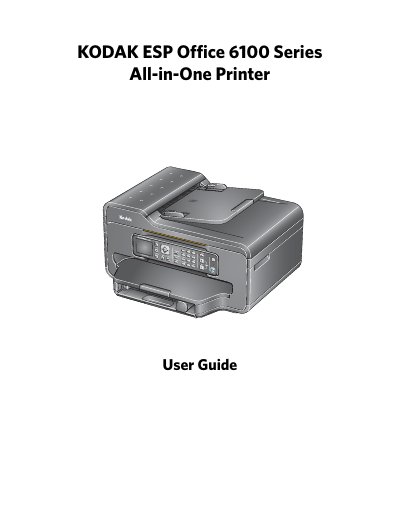
This user guide provides step-by-step instructions for setting up and operating the Kodak ESP Office 6100 Series All-in-One Printer. It covers configuring printer settings, connecting to wireless networks, handling paper, printing documents and photos, copying, scanning, and faxing. The guide also includes maintenance tips, troubleshooting, and technical specifications. The printer supports networking and integrates with KODAK Home Center Software for enhanced functionality.
| Print Speed (Black) | Up to 32 pages per minute on plain paper |
|---|---|
| Print Speed (Color) | Up to 30 pages per minute on plain paper |
| Print Technology | Continuous-tone, thermal inkjet |
| Print Quality Modes | Draft, Normal, and Best on plain paper; Photo quality mode on photo paper |
| Image Enhancement | KODAK PERFECT TOUCH Technology with Home Center Software |
| Scene Balance | On (default), Off |
The black print speed is up to 32 pages per minute, and the color print speed is up to 30 pages per minute on plain paper.
KODAK Home Center Software is installed as part of the software installation on your computer. It allows you to browse, edit, print, scan, and fax pictures, and configure your printer.
Refer to the 'Replacing ink cartridges' section in the 'Maintaining Your Printer' chapter for step-by-step instructions.