
This manual introduces the features and functions of Kodak EasyShare printer dock plus, including how to use the printer dock plus and how to solve problems
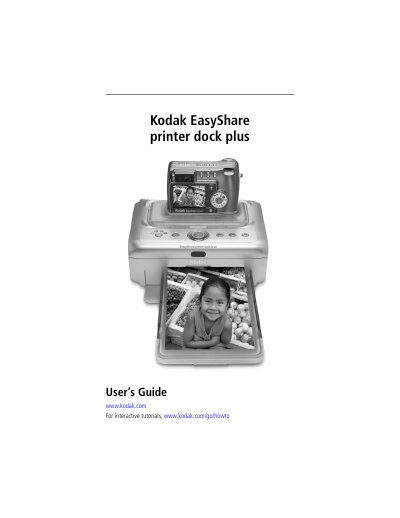
This user's guide provides instructions for the Kodak EasyShare Printer Dock Plus, including finding a suitable location, installing the custom camera insert, connecting power, and handling the color cartridge. It details how to dock and charge compatible EasyShare digital cameras and manage paper loading.
The manual explains various printing methods, such as printing directly from a docked camera, using the internal SD/MMC card reader, or connecting a Kodak card reader and PictBridge compatible devices. It also covers reviewing pictures on a television, running slide shows, and using the optional wireless infrared remote control.
| Battery Type | Ni-MH rechargeable battery pack |
|---|---|
| Paper Kit | PH-10 |
| Camera Compatibility | CX/DX6000/7000 series and LS600 series |
| Clearance Requirement | 5 in. (12.7 cm) |
To print from a docked camera, press the Print button on the printer dock after the camera is docked and the transfer is complete.
The package includes the printer dock, AC power adapter, paper tray, Kodak color cartridge & photo paper kit, Kodak EasyShare Ni-MH rechargeable battery pack, and a universal camera insert.
The minimum system requirement is not specified in the text.
The universal camera insert allows most Kodak EasyShare CX/DX6000/7000 series and LS600 series digital cameras to fit on the printer dock.