
This manual introduces how to use the KODAK SLICE Touchscreen Camera
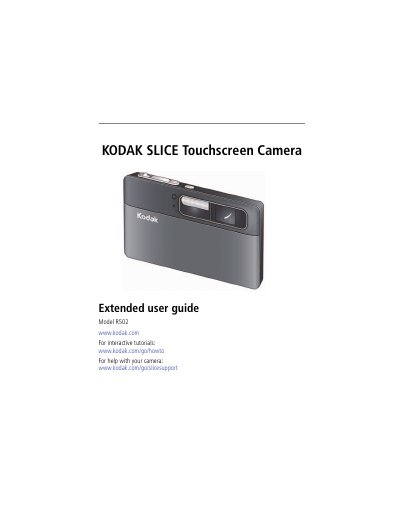
This document serves as the extended user guide for the Kodak SLICE Touchscreen Camera, Model R502. It provides comprehensive instructions on getting started, including attaching the strap, loading the rechargeable battery, and setting the language and date/time. The guide details how to take pictures and videos, utilize various capture modes, and use the touchscreen gestures for navigation and control.
| Effective Pixels | 4352 x 3240 (14 MP) |
|---|---|
| Lens | 5X optical zoom lens, 35–175 mm |
| LCD Screen | 8.9 cm (3.5 in.) capacitive touch |
| Internal Storage | 2 GB NAND flash memory |
| ISO | Up to 3200 at full resolution |
| Shutter Speed | 1/2–1/2000 sec |
The Battery Charging light will blink while charging and become steady when finished.
The camera supports a maximum card size of 32 GB.
The camera can detect up to 5 faces.