
This user guide provides detailed information on the features and operation of the Kodak EasyShare C913/CD93 digital camera.
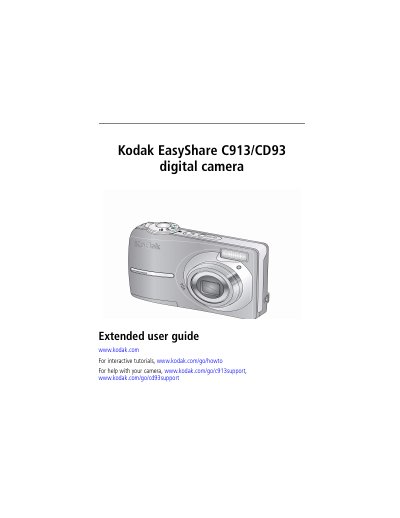
This guide explains how to set up, operate, and maintain the Kodak EasyShare C913/CD93 digital camera. It covers taking photos and videos, reviewing and editing media, transferring files, and troubleshooting common issues. The guide also includes instructions for installing software, customizing settings, and using Kodak Perfect Touch technology for enhanced image management.
| Storage capacities | 49 |
|---|---|
| Battery life | 48 |
| Language | English |
Press the On/Off button to turn on the camera.
At the prompt, press OK to accept the date and time settings.
Use the Delete button to delete pictures or videos.
Use the USB cable to transfer pictures to a computer.