
This is a portable smart projector that supports wireless connection, screen mirroring, and screen brightness adjustment
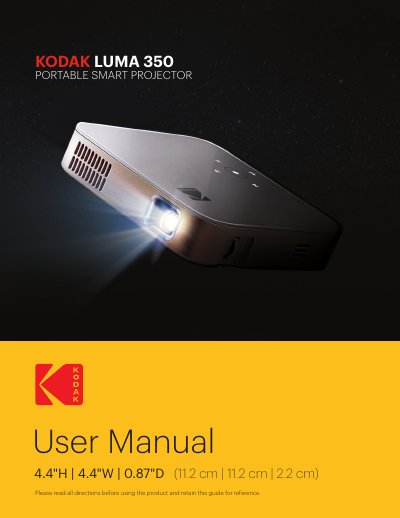
The Kodak LUMA 350 is a portable smart projector designed for household use, featuring a 4.4-inch footprint and a built-in rechargeable battery. It supports native resolution of 854 x 480 and ANSI lumens of 150, powered by a 15V/1.5A input. The device includes built-in speakers, a 3.5mm audio output, and a USB port that functions as a power bank for charging external devices at 5V/1.0A.
| Rated Input | 15V, 1.5A |
|---|---|
| Rated Output | 5V, 1.0A |
| ANSI Lumens | 150 |
| Native Resolution | 854 x 480 |
| Dimensions | 4.4"H | 4.4"W | 0.87"D |
Within two minutes of turning on the projector, press and hold both the Vol + and Vol - keys for approximately three seconds until the indicator light stops flashing.
Use the focus wheel on the side of the projector to turn up or down until the image appears sharp and clear.