
This is a user manual for Kodak EasyShare C142 Digital Camera
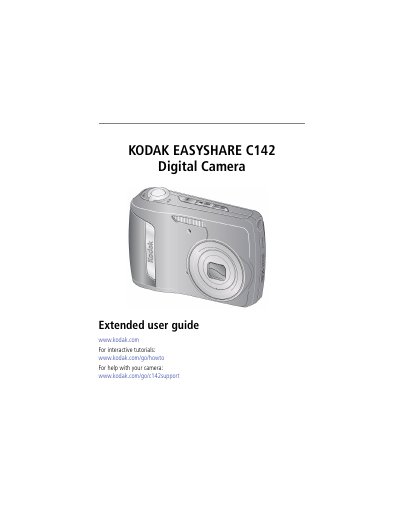
This guide helps you set up your Kodak EasyShare C142 camera, take photos and videos, share them via social networks or email, and review or edit your media. It also covers camera maintenance, battery care, and troubleshooting common issues. The manual includes detailed instructions for using features like optical zoom, flash, and scene modes.
| CCD | 1/2.5-type |
|---|---|
| Effective pixels | 10 MP (3672 x 2760) |
| LCD | 2.5 in. (6.35 cm) LCD; 230K pixels; 4:3 aspect ratio |
| Image storage | Optional SD/SDHC Card (max 32 GB) + 32 MB internal memory |
| Lens | 3X optical zoom; f/2.9–f/5.2; 35 mm equivalent: 34–102 mm |
| Digital zoom | 5X continuous |
| Focus system | TTL-AF (through-the-lens auto focus); Multi-Zone, Center-Zone, Face Priority |
| Shutter speed | 8–1/1600 seconds |
| ISO speed | Auto 80–400 (Smart Capture), Manual 80–1600 |
Use the Setup Menu (page 32) to set language and date/time. Press OK to accept changes.
The maximum supported SD card size is 32 GB.
Turn the Zoom lever toward Telephoto (T) to zoom in, or toward Wide Angle (W) to zoom out.
Use the self-timer by pressing the self-timer button, then press the shutter button to take the picture after the delay.