
This is a Kodak M340 digital camera user manual.
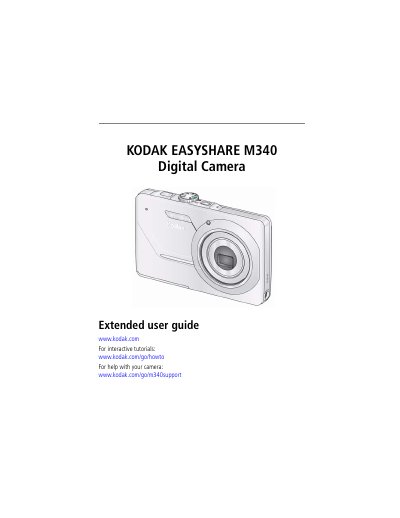
This manual provides step-by-step instructions for setting up the Kodak M340 camera, including attaching the strap, loading the battery, and configuring settings. It also covers taking photos and videos, reviewing media, editing videos, and transferring files to a computer. Additional sections include troubleshooting, software installation, and camera maintenance.
| Sensor | 1/2.33-type CCD |
|---|---|
| Effective pixels | 10.2 MP (3688 x 2770) |
| LCD screen | 2.7 in. (6.9 cm) LCD; 230K pixels |
| Lens | 3X optical zoom; f/3.1–f/5.7; 35 mm equivalent: 35–105 mm |
| Focus system | TTL-AF (through-the-lens auto focus); Auto: Multi-Zone, Center-Zone |
| Shutter speed | 1/1400–4 seconds |
| ISO speed | Auto (in Smart Capture): 80–320; Manual: 80, 100, 200, 400, 800, 1600 |
| Internal storage | 16 MB internal memory (10 MB available for image storage) |
The maximum supported card size is 32 GB.
The camera can detect up to 5 faces.
The camera has 16 MB of internal memory, with 10 MB available for image storage.