
This document is the user manual for Kodak EasyShare Z710 digital camera
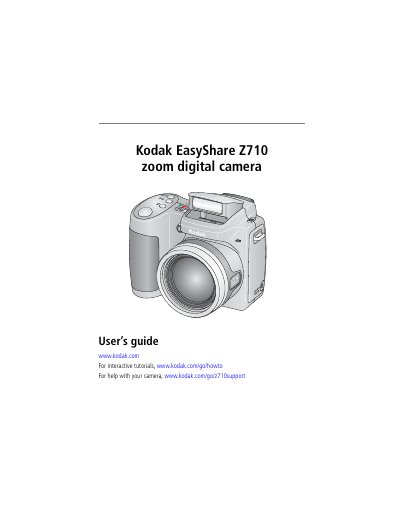
This manual provides instructions for setting up the Kodak EasyShare Z710 digital camera, including installing software, loading batteries, and configuring settings. It details how to take pictures and videos using various modes and zoom functions, as well as how to review, delete, and manage media files on the camera or SD/MMC card.
| CCD Sensor | 1/2.5 in. CCD, 4:3 aspect ratio |
|---|---|
| Max Picture Size | 7.1 MP: 3072 x 2304 pixels |
| LCD Display | 2.0 in. (5 cm) color hybrid LCD |
| Optical Zoom | 10X optical zoom, aspheric all-glass lens |
| Lens Aperture | f/2.8–3.7 (35 mm equivalent: 38–380 mm) |
| Digital Zoom | Combined zoom settings up to 50X |
| Focus System | TTL-AF; multi-zone, center-zone |
The camera uses CRV3 lithium (non-rechargeable) or Ni-MH 2 AA lithium or Ni-MH rechargeable batteries.
Yes, you can purchase SD or MMC cards to store more pictures and videos, though the camera has internal memory.
The working range is 24 in. (60 cm) to infinity at the wide angle setting.
You must format the card in the camera before taking pictures the first time you use it.