
This manual is the user guide for Kodak EasyShare M820/M1020 digital frame, which introduces the product features and how to set up, connect and use
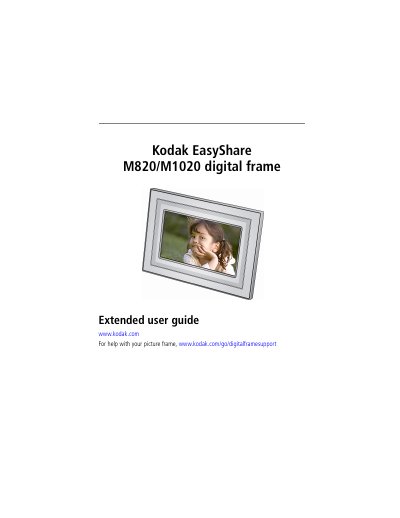
This guide helps you set up and use your Kodak EasyShare M820/M1020 digital frame. It explains how to insert memory cards, connect USB devices, adjust settings, and view pictures. The frame features a touch-sensitive border for navigation and supports JPEG images. You can also play music and videos, print pictures, and copy files between the frame and computer.
The guide includes troubleshooting tips, safety instructions, and specifications for both models. It covers changing orientation, mounting the frame, setting language, and managing pictures. Firmware upgrades and software installation are also explained.
| Internal Storage | 128 MB |
|---|---|
| Power Adapter | 12V, 1.5A |
| USB Compatibility | USB 1.0 |
| Picture Formats | JPEG, EXIF 2.2 |
Press and hold the power button for about 2 seconds, then release.
Use the rotating/extending stand to adjust the frame angle. For portrait orientation, see page 6.
JPEG and EXIF 2.2 formats are supported.
Use the USB connector on the back of the frame to connect a digital camera or other USB device.