
This manual introduces the product features, usage methods and setup methods of Kodak EasyShare G600 printer dock.
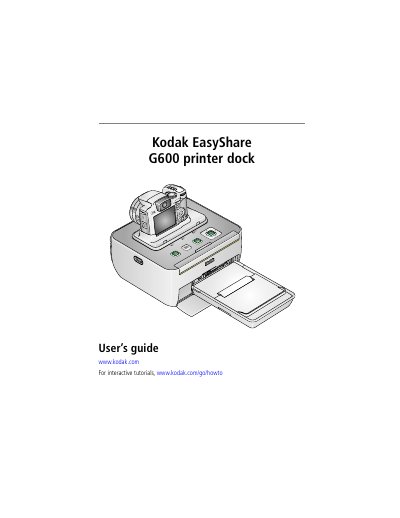
This user guide explains how to set up and use the Kodak EasyShare G600 printer dock. It covers connecting power and USB cables, loading paper and cartridges, printing from a digital camera or computer, and troubleshooting common issues. The guide also includes maintenance tips and firmware upgrade instructions.
| Printing Process | Continuous tone, thermal dye transfer, full-bleed |
|---|---|
| Operating Temperature | 50 to 95 °F (10 to 35 °C) |
| Power Input | 100 V to 120V AC @ 50/60 Hz (US and Canada), 100 V to 240V AC @ 50/60 Hz (all other countries) |
| Print Speed | Approximately 60 seconds for full 4 x 6 in. (102 x 152 mm) print |
| Dimensions (Without Paper Tray) | 3.9 in x 7.1 in x 3.7 in (99 mm x 180 mm x 95 mm) |
| Weight (Without Paper Tray) | 62.3 ozs (1769 grams) |
Connect the USB cable from the printer dock to your computer's USB port.
Approximately 60 seconds for a full 4 x 6 in. (102 x 152 mm) print.
Open the paper-tray cover, load the paper logo side down, fan the sheets, then close the cover and flip open the hinged section.
50 to 95 °F (10 to 35 °C) for optimum picture quality.