
This document is a user manual for Kodak EASYSHARE M1063/MD1063/MX1063 digital camera, including the camera's usage methods and function introductions
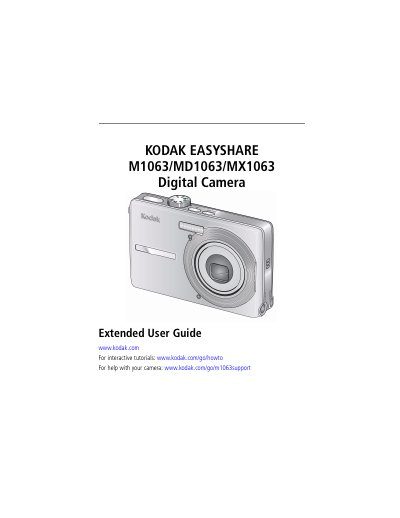
This guide helps you set up and operate your Kodak EASYSHARE digital camera. It covers attaching the strap, loading and charging the battery, turning the camera on and off, and setting language and date/time. You’ll learn how to take photos and videos, use optical zoom and flash, and adjust picture modes. The guide also explains how to review, edit, and delete pictures and videos, transfer them via USB or dock, print, tag, and protect your media. Troubleshooting and support information are included at the end.
| Sensor | CCD—1/2.33 in., 4:3 aspect ratio |
|---|---|
| Resolution | 10.6 MP (total), 10.3 MP (effective) |
| Lens | 3X optical lens f/2.8–f/5.1; 32 mm–96 mm (35 mm equivalent) |
| Focus System | TTL-AF; selectable multi-zone AF, center-zone AF |
| Storage | Internal memory + SD/SDHC card |
Turn off the camera, then charge using the included Kodak USB AC adapter until the Battery Charging light turns off (up to 3 hours).
Connect the USB cable to the computer’s USB port, not a Hub. Make sure the computer is turned on and not in sleep mode.
It allows you to use touch-sensitive controls to navigate menus and adjust settings on the camera’s LCD screen.