
This manual is the user's guide for the Kodak EasyShare CX7525 digital camera. It details the camera's various functions, including installing batteries, turning on the camera, setting the date and time, taking pictures, viewing pictures, and connecting to a computer.
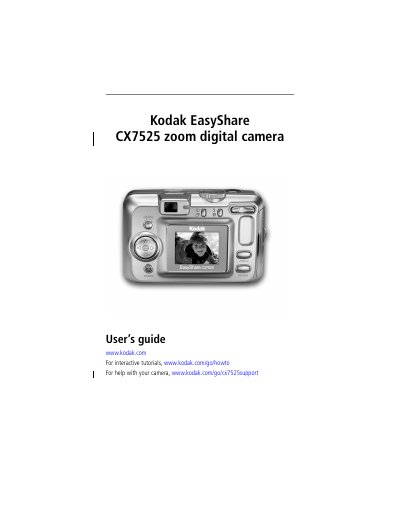
This guide helps you set up and use your Kodak CX7525 digital camera. It covers installing software, loading batteries, taking photos and videos, reviewing images, transferring files, and printing. You’ll also find tips for battery life, troubleshooting, and accessing online support.
The camera features a 3x optical zoom lens, 2.5-inch CCD sensor, and a 1.6-inch color LCD screen. It supports SD and MMC cards, USB connectivity, and direct printing via compatible printers. The guide includes detailed instructions for using modes like portrait, landscape, and night, as well as features like digital zoom, flash, and self-timer.
| Sensor | CCD 1/2.5 in. CCD, 4:3 aspect ratio |
|---|---|
| Image Size | Best: 2560 x 1920 (5 M) pixels |
| Display | 1.6 in. (4 cm) color hybrid LCD, 312 x 230 (72 K) pixels |
| Lens | 3x optical zoom, aspheric all-glass lens, f/2.7–4.6 |
| Focus System | TTL-AF; auto, multi-zone, center-spot |
| Exposure Metering | Multi-pattern AE, Center-weighted AE, Center-spot AE |
Install the software from the Kodak EasyShare software CD before connecting the camera to the computer. Otherwise, the software may load incorrectly.
The camera uses AA non-rechargeable batteries, Kodak EasyShare Ni-MH rechargeable battery packs, or CRV3 lithium batteries. Alkaline batteries are not recommended.