
This is the user manual for Kodak EasyShare Z81612/ZD8612 IS digital camera, which introduces the functions and usage of the camera
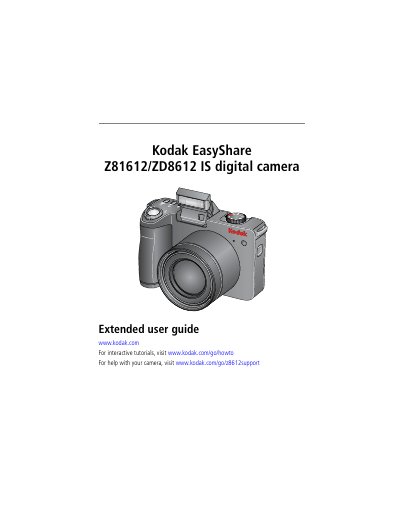
This manual provides step-by-step instructions for setting up, operating, and maintaining the Kodak Z81612/ZD8612 IS digital camera. It covers features like optical zoom, flash, and scene modes, as well as how to transfer and print photos. The guide also includes troubleshooting tips and technical specifications.
| Sensor | CCD— 1/2.5-type |
|---|---|
| Effective Pixels | 3298 x 2472 (8.1 MP) |
| Lens | 12X optical zoom lens, 36–432 mm (35 mm equivalent); f/2.8–f/4.8 |
| Image Stabilizer | Optical |
| Digital Zoom | 5X continuous |
| Combined Zoom | 60X |
| Shutter Speed | Mechanical shutter with CCD electronic; Smart Scene mode: 1/2–1/3200 sec.; P and M modes: 16-1/1000 sec. |
| LCD | 6.4 cm (2.5 in) color hybrid LCD; 230 K (960 x 240) pixels |
| Internal Storage | 32 MB (21 MB available for image storage) |
| Focus System | TTL-AF (through-the-lens auto focus); Multi-zone AF , Center-zone AF |
Use the LCD to frame your subject. Press Telephoto (T) to zoom in and Wide Angle (W) to zoom out. Take the picture/video after zooming.
Digital zoom allows up to 5X beyond optical zoom, but image quality may decrease.
Use the USB cable to transfer pictures from the camera to your computer.
The camera has 32 MB of internal storage, with 21 MB available for image storage.