
Kodak EasyShare CX7330 digital camera user manual. This manual provides detailed information on the camera's features and functions, including its appearance, operating buttons, connection ports, and usage methods.
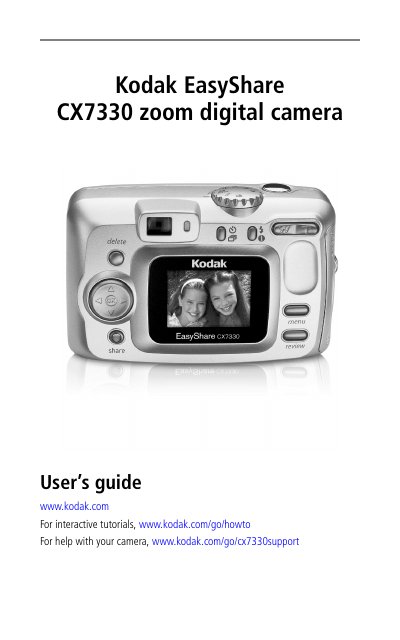
This manual covers the setup and operation of the Kodak EasyShare CX7330 zoom digital camera. It details how to insert batteries, turn the camera on and off, and navigate the various shooting modes such as Auto, Close-up, Landscape, and Night. The guide explains how to use the optical and digital zoom, the flash unit, and the self-timer.
| CCD Sensor | 1/2.7 in. CCD; 3.3 M pixels (effective) |
|---|---|
| Display | 1.6 in. color hybrid LCD, 312 x 230 pixels |
| Lens | 3X optical zoom lens, 37 -111 mm |
| Focus Range | 23.6 in. (60 cm) - infinity @ standard |
| Digital Zoom | 1-3.3X with 0.3 step |
| Exposure Range | EV 5.0 to 15.3 (f/2.73, ISO 200-f/5.17, 1/1400 sec., ISO 100) |
The camera uses two AA non-rechargeable starter batteries or optional Ni-MH rechargeable batteries. Alkaline batteries are not recommended.
Turn the camera on by rotating the Mode dial to the desired mode. Turn it off by rotating the Mode dial to Off.
Yes, you can use the camera screen as a viewfinder by pressing the Live View button.