
This file is the instruction manual for telescope control software
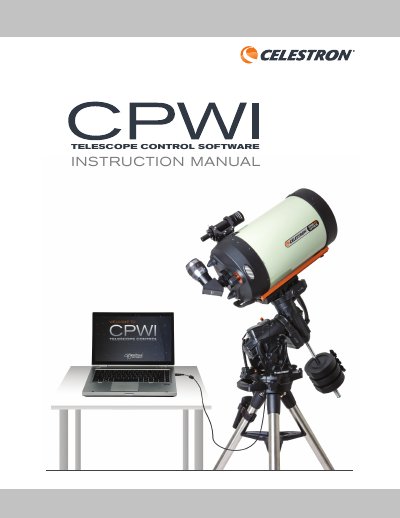
This document is the instruction manual for the Celestron CPWI (Celestron PWI) telescope control software. It details the PC system requirements, compatible mounts, and methods for connecting a computer to the mount via USB, hand control, or WiFi. The guide covers initial setup, including polar alignment and leveling the mount before use.
| Operating System | Windows 7, 8, or 10 |
|---|---|
| Hard Drive Storage | 24 MB |
| Memory | 100 MB |
| Recommended Screen Resolution | 1024 x 768 or higher |
The software supports Windows 7, 8, or 10 operating systems.
An internet connection is required to enable location settings, the online object database, or to auto-update drivers.
CPWI is compatible with mounts such as Advanced GT, Advanced VX, Astro Fi, CGE, CGE PRO, CGEM, CGEM II, CGEM DX, CGX, CGX-L, CPC, CPC Deluxe, LCM, NexStar Evolution, NexStar SE, NexStar SLT, and SkyProdigy.