
This is a low magnification handheld LCD digital microscope that provides 120x low power viewing. It can be connected to a computer for additional magnification (up to 300x). The microscope is suitable for examining specimens like coins, stamps, rocks, electronics, insects, and other 3D objects.
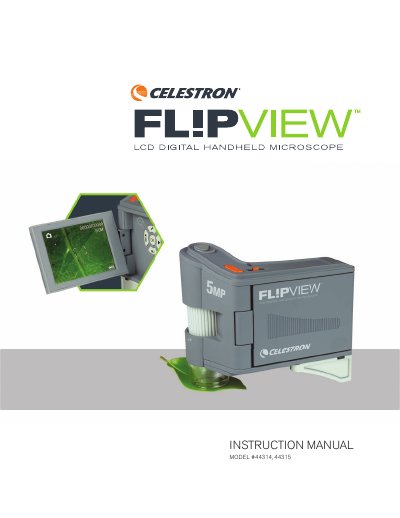
The Celestron FlipView is a handheld digital microscope featuring a built-in 3.0-inch LCD screen and a 5 MP CMOS sensor. It allows users to view specimens at magnifications up to 120x directly on the device or up to 300x when connected to a PC. The unit includes a flip-out screen, ring illumination, and a metal stand for stability.
| Magnification Range | 10x-120x (up to 300x when using PC) |
|---|---|
| Sensor | 5 MP CMOS |
| Lens | 5 element IR Cut high quality glass lens |
| Still Image Resolution | 5 MP, 3 MP, 1.3 MP, VGA |
| Video Capture Resolution | VGA, 30 fps |
| Battery | Internal rechargeable lithium ion battery (1050 mAh) |
| Microscope Dimensions | 4.625 in x 2.5 in x 4.25 in |
| Weight | Microscope: 7.4 oz/212 g |
The microscope provides low power viewing up to 120x using the built-in LCD screen, and up to 300x when connected to a PC.
Switch to video mode by pressing the playback button twice, then press the shutter trigger to start recording and press it again to stop.
Yes, you can insert a Micro SD card into the slot on the back of the unit to capture images without a computer connection.
The Celestron Portable Capture Pro software is included, which features a calibration tool and various measurement tools like angle and line measurement.