
The instruction manual provides the functions, operation methods and specifications of the 48020/48021 wind speed meter.
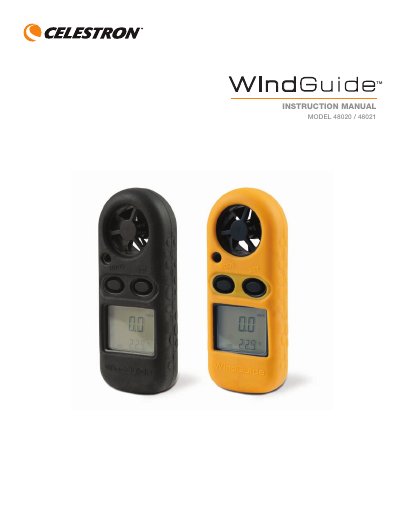
The Celestron 48020/48021 Wind Speed Meter measures current, maximum, or average wind speeds in multiple units including m/s, km/h, mph, knots, and ft/min. It also displays temperature with a built-in thermometer and indicates wind chill when the temperature drops below freezing. The device features a blue backlight LCD display, manual and auto power-off functions, and is weather-resistant.
| Temperature Range | -10ºC to +45ºC / 14°F to 113°F |
|---|---|
| Battery Type | CR2032 Lithium Button Cell |
| Impeller Diameter | 25.4 mm (1.0") |
| LCD Screen Size | 30 mm x 23 mm |
Press the “Mode” button for 2 seconds to turn on the unit.
After turning the unit off and back on, press the “Mode” button until “m/s” blinks, then use the “Set” button to navigate between Current (Cu), Maximum (MAX), or Average (AVG).
Turn the battery compartment door with a coin in the direction indicated, remove the cover, and replace the CR2032 battery with the “+” position facing up.
The wind icon “WIND CHILL” is indicated on the LCD when the temperature drops below 32° F (0° C).