
This software can be connected to Celestron's HD Digital Microscope Imager for capturing high-resolution images and 30 fps video.
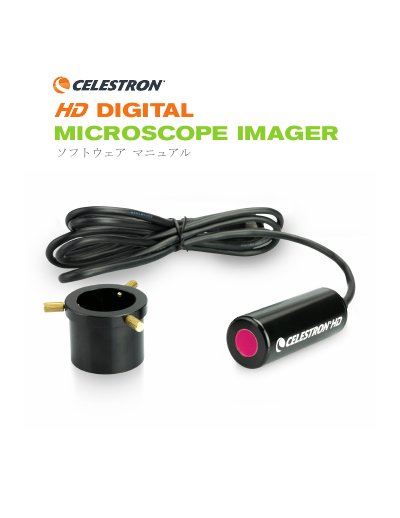
This manual provides instructions for using the Celestron HD Digital Microscope Imager software on Windows and Mac computers. It details the setup process, including installing the software and connecting the device via USB. The guide explains how to use various function keys for previewing, capturing snapshots, recording video, and adjusting settings like resolution and exposure. This manual is written in Japanese.
| Sensor | 5 MP CMOS |
|---|---|
| Video Format (Streaming) | 30 fps VGA |
| Video Format (Recording) | 30 fps / 720p HD |
| Software Compatibility (Windows) | Windows 7.1+ |
| Software Compatibility (Mac) | Apple OSX 4.9+ |
| Weight | 42g / 1.5 oz |
| Dimensions | 64 mm x 22 mm x 22 mm |
When combined with a microscope objective lens, it functions as a 30x eyepiece, achieving up to 1800x magnification.
On Mac systems, the maximum resolution for snapshots and video is limited to 2MP.