
This is a product manual for Celestron Amoeba Dual Purpose Digital Microscope, which introduces the function and usage method of the microscope.
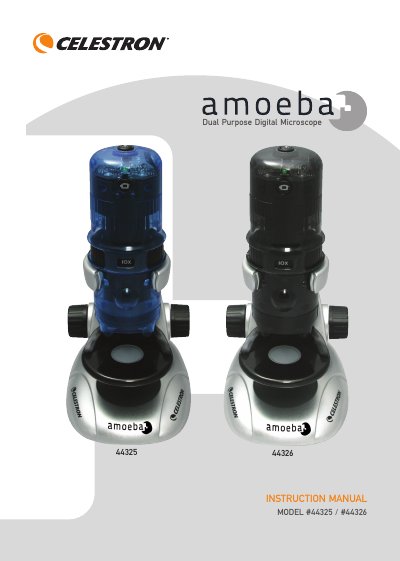
The Celestron Amoeba is a precision optical instrument designed to function as both a stereoscopic microscope for solid objects and a biological microscope for specimen slides. It offers magnification powers of 10x, 60x, and 200x when used with a 14-inch monitor. The device includes top and bottom white LED illuminators powered by the USB connection.
| Magnification Powers | 10x, 60x and 200x using a 14” Monitor |
|---|---|
| USB Interface | USB Cable 2.0 power from a computer |
| Camera Sensor | 1.3 MP CMOS Sensor – 1280x1024 pixel array |
| Stage Diameter | 82 mm (3.2“) |
| Weight | 18 oz (510 g) |
The microscope works with Microsoft Windows 7, XP, Vista, some 2000 operating systems, and most Apple MAC versions 10.4.9 and later.
Yes, you can remove the microscope tube from the base and stand to view large objects up to 10 mm thick using the top illuminator.