
Celestron Model 44423 Digital Microscope Imager Software Manual

The S-Viewer software allows you to adjust video resolution, brightness, contrast and other attributes, and save recordings.
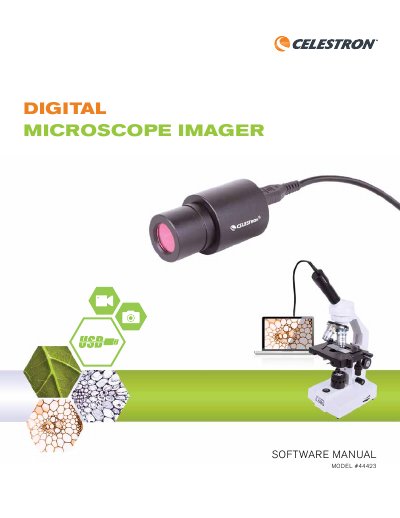

Celestron Model 44423 Digital Microscope Imager Software Manual - cover page
Brand
Celestron
Category
Other Electronics
Document type
User Manual
Language
English
Pages
85
File format
PDF
File size
928 KB
Published
16 October, 2023
Updated
16 October, 2023
MD5 checksum
985EACFAE9A78A4F75843E08319A2AD1

About this manual

This manual provides operating instructions for the Celestron Model 44423 digital microscope imager software. It details how to configure software pre-sets, such as selecting the video capture device and adjusting video resolution and properties like brightness and contrast. The guide also explains how to save recordings and manage file locations.

What's inside

  • Software Pre-Sets
  • Operating Instructions
  • File Menu
  • View Menu
  • Video Menu
  • Measure Menu
  • Troubleshooting
  • Care and Maintenance
  • Warranty

Frequently asked questions

What is the operating temperature range for the device?

The device should be used in a temperature range between 23° and 120°F (between -5° and 50° C).

How long is the warranty period for this product?

The digital microscope imager has a limited two-year warranty.

Who is the minimum age requirement to use this product?

This product is designed for use by people aged 14 years or older.

Download PDF (928 KB)

More Celestron Manuals


View all Celestron manuals →