
This product is a multi-function outdoor watch, which includes compass, altimeter, barometer, thermometer, alarm clock and so on.
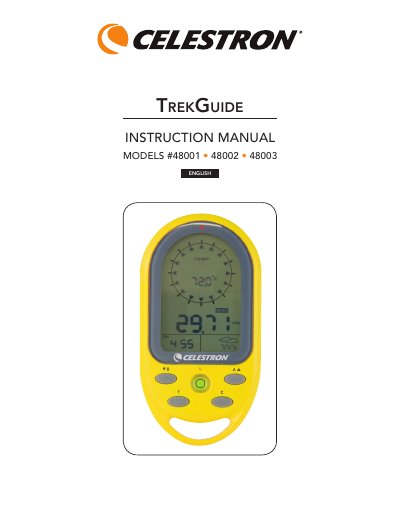
The Celestron Trek Guide is a multi-function outdoor watch featuring a digital compass, barometer, altimeter, thermometer, and weather forecast capabilities. It includes a bubble level, backlight, and alarm clock, powered by two included CR2032 lithium batteries. The device is water-resistant and designed for users aged 13 and older.
| Temperature measuring range | -20° to +60° C and -4° to +140° F |
|---|---|
| Altitude measuring range | -400 to 9000 meters and -1312 to 29,528 feet |
| Barometer measuring range | 900 to 1100 mbar/hPa, 675 to 825 mmHG, and 26.58 to 32.48 inHG |
| Battery type | 2 CR2032 Lithium |
| Dimensions | 54 x 103 x 15 mm or 2.1" x 4.1" x 0.6" |
| Weight | 70 g or 2.5 oz |
In COMPASS mode, hold the 'C' button for 3 seconds to enter calibration mode, then press 'C' again to start. Keep the unit level and rotate it clockwise for one full rotation.
In COMPASS mode, hold 'C' for 3 seconds, then press 'MODE' to enter the declination setting. Use '▼' or '▲' to adjust the angle from -90° to 90° and press 'MODE' to confirm.
If the LCD keys do not work, remove the batteries and reinstall them.
Pressing the 'L' button turns the backlight on for 5 seconds.