
This product manual is the instruction manual for Celestron MicroSpin™ Digital Microscope, which introduces the features and usage of the product.
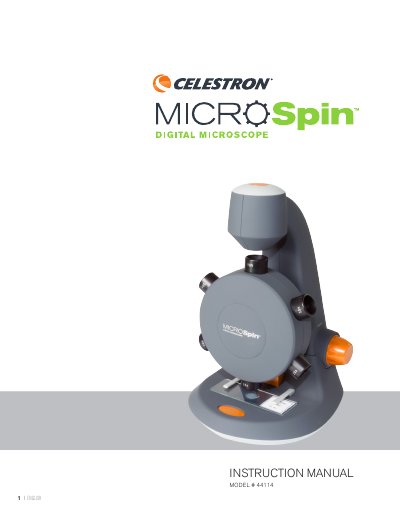
This manual provides instructions for the Celestron MicroSpin Digital Microscope (Model #44114). It explains how the device differs from traditional microscopes by using an internal camera sensor and connecting via USB 2.0. The guide details the installation of the MicroSpin Digital Capture software and the physical setup of the specimen slide.
| Magnification Powers | 100x, 200x, 300x, 400x, 500x, 600x |
|---|---|
| Sensor | 2MP CMOS |
| Image File Format | JPEG |
| Video Capturing Resolution | 320 x 240, 640 x 480 |
| Power | 5V, 140mAh |
| Illuminators | Upper and lower LED |
| Size | 6.19in. x 5.12in. x 6.02in. |
| Weight | 0.77 lbs / 350 g |
The device supports Windows 8/7/XP/Vista and Mac OSX 10.4.8 and up.
Rotate the objective wheel clockwise or counter-clockwise until the desired objective is directly over the specimen and you feel a click.
Rotate the focusing knob while viewing the streaming image on the computer monitor until the image is in focus.