
This is an instruction manual for a night vision scope.
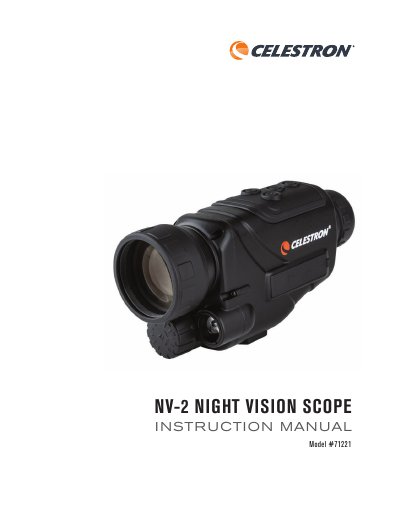
The Celestron NV-2 Night Vision Scope is designed for use during both day and night. It offers standard viewing with 4.5x optical magnification and a digital zoom up to 8x total (1x to 8x range). The device features a VGA 640x480 color display screen and includes capabilities for still image and video recording, as well as in-device playback.
| Optical Magnification | 4.5x |
|---|---|
| Digital Zoom Range | 1x to 8x |
| Display Screen Resolution | VGA 640x480 color |
| Night Vision Range (Complete Darkness) | 219 yd (200 m) |
| Battery Type | AW 18650 3.7V 2,200 mAh rechargeable lithium ion |
| Battery Life | 2-3 hours |
Press and hold the Mode Button for 3 seconds to enter the menu, then press the +/- buttons to adjust from 1 (lowest) to 9.9 (brightest).
In complete darkness, activate the infrared beam by adjusting its brightness via the Mode Button menu; do not block the beam when using it in dark conditions.
The digital zoom can be increased by 1x per press, reaching a maximum of 5x above the standard magnification level (totaling 8x).