
This document is the software manual for the Celestron MicroDirect 1080p HD microscope.
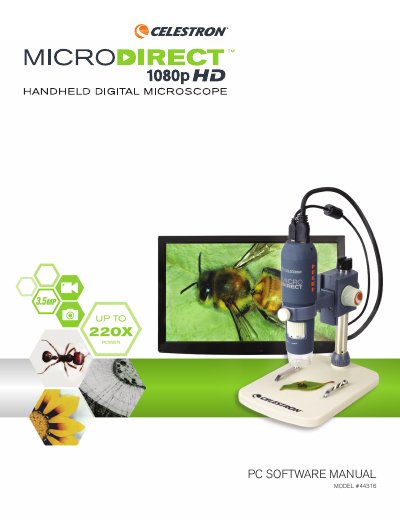
This document serves as the PC Software Manual for the Celestron MicroDirect 1080p HD microscope (Model #44316). It details the installation process via CD or download from the official website and outlines system requirements, specifically noting compatibility with Windows XP/7/8/10 and incompatibility with Mac operating systems. The guide explains how to connect the device via USB and launch the Portable Capture HD software.
| Operating System Compatibility | Windows XP/7/8/10 |
|---|---|
| Mac Compatibility | Not supported |
| Product Model Number | 44316 |
The software is compatible with Windows systems XP/7/8/10 only and is not compatible with MAC operating systems.
If you do not have a CD/DVD ROM drive, the software can be downloaded from the manufacturer's website.
The microscope should be used within the 23° to 120°F (-5° to 50° C) temperature range.