
Saitek WH30 Webcam and Headset Combo User Manual

This document is the user manual for Saitek WH30 webcam and headset combo
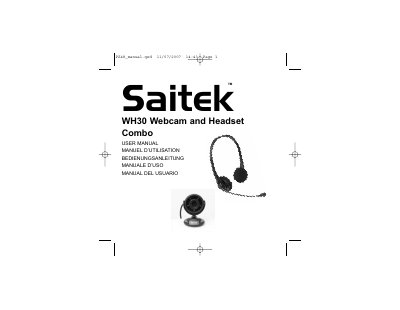

Saitek WH30 Webcam and Headset Combo User Manual - cover page
Brand
Saitek
Category
Other Computer Accessories
Document type
User Manual
Language
English
Pages
11
File format
PDF
File size
281 KB
Published
16 October, 2023
Updated
16 October, 2023
MD5 checksum
6322011DD56D6100A190881326A85BA5

About this manual

This manual provides instructions for the Saitek WH30 Webcam and Headset Combo. It details the system requirements, including compatibility with PCs running Windows 2000, XP, XP64, and Vista. The guide explains how to install the device drivers and application software from the included CD before connecting the hardware.

What's inside

  • System Compatibility
  • Installing the Webcam
  • Technical Support
  • Conditions of Warranty
  • FCC Compliance

Frequently asked questions

What operating systems are compatible with the Saitek WH30 Webcam and Headset Combo?

The device is compatible with PCs running Windows 2000, Windows XP, Windows XP 64-bit, or Windows Vista.

What is the warranty period for the Saitek WH30 Webcam and Headset Combo?

The warranty period is 2 years from the date of purchase, provided proof of purchase is submitted.

What should a user do if the Saitek WH30 Webcam and Headset Combo causes harmful interference to radio or television reception?

The user should try to correct the interference by reorienting the receiving antenna, increasing separation between the equipment and receiver, connecting the equipment to a different circuit, or consulting a dealer or technician.

Download PDF (281 KB)

More Saitek Manuals


View all Saitek manuals →