
Saitek Eclipse Keyboard User Manual

This document describes the Saitek Eclipse keyboard, including its layout, features, and functions.
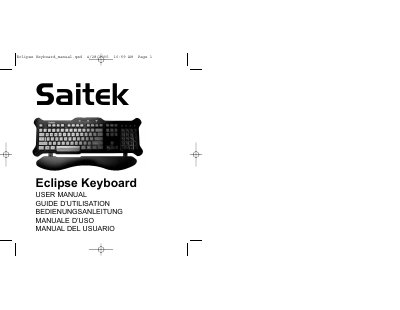

Saitek Eclipse Keyboard User Manual - cover page
Brand
Saitek
Document type
User Manual
Language
English
Pages
11
File format
PDF
File size
72 KB
Published
16 October, 2023
Updated
16 October, 2023
MD5 checksum
9973EFFECBB00840D75A309B1F8A590D

About this manual

The Saitek Eclipse is a 104-key QWERTY keyboard designed for use in low-light conditions. It features TruVu keys that allow ultra-blue LED lighting to glow through laser-etched keycaps, enabling visibility in total darkness. The unit includes a solid, weighted base with rubber feet and adjustable angle adjustment feet for user comfort.

What's inside

  • Introduction
  • Features
  • Installation (Windows 98)
  • Installation (Windows ME/2000/XP)
  • Additional Keyboard Controls
  • Technical Support
  • Conditions of Warranty

Frequently asked questions

What is the warranty period for this keyboard?

The warranty period is 2 years from the date of purchase, provided proof of purchase is submitted.

How do I control the backlighting brightness?

Press button D to scroll through the options: lights off, lights full brightness, and lights half brightness.

Download PDF (72 KB)

More Saitek Manuals


View all Saitek manuals →