
This document is a user manual for Saitek P220 Digital Gamepad. The gamepad has 6 conventionally positioned buttons, a digital 8-way D-Pad and 2 rapid-fire shoulder triggers for total gaming. In addition, we have added a dual-mode digital throttle with enhanced LED indicators for superb control in the game. Follow the simple installation procedures below for your particular platform and you're ready to go!
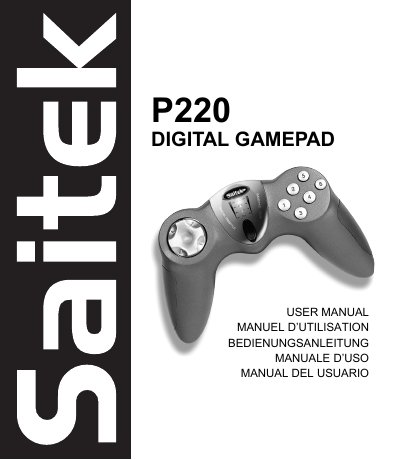
The Saitek P220 Digital Gamepad is an entry-level gaming controller featuring six buttons, a digital 8-way D-Pad, quick-fire shoulder triggers, and a dual-mode digital throttle. The manual details installation procedures for Windows 98, Me, 2000, XP, and Macintosh systems, guiding users through driver setup and hardware detection.
| Buttons | 6 conventionally positioned buttons |
|---|---|
| D-Pad | digital 8-way D-Pad |
| Throttle Type | Dual-Mode Digital Throttle |
| Warranty Period | 2 years from date of purchase |
Open the Game Controller Properties window, click on the Test tab, and verify that the D-Pad cursor reaches all four corners of the square while buttons light up.
Mode 1 provides sequential 4-step acceleration and deceleration, while Mode 2 offers smooth progressive acceleration and deceleration.
The gamepad includes 6 conventionally positioned buttons, 2 rapid-fire shoulder triggers, and a digital 8-way D-Pad.
When testing the gamepad, the D-Pad cursor should reach all four corners of the square.