
Saitek Cyborg Mouse user manual, introduces the functions of the mouse, usage methods, installation steps and precautions.
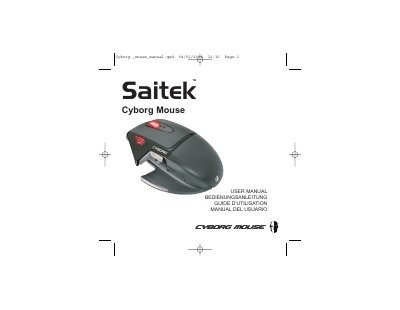
The document is a user manual for the Saitek Cyborg Mouse, a fully-featured adjustable laser gaming mouse with 3200dpi. It covers system compatibility with Windows XP and Vista, including specific software installation steps for drivers only or combined driver and programming software setups.
Key features highlighted include motorized length adjustment to match hand size, a programmable 4-way d-pad, internet forward/backward buttons, and a scroll detent force switch. The manual also details how to access the control panel via desktop shortcuts to adjust settings like DPI and mouse length.
The mouse is compatible with PC running Windows XP/XP64/vista (all versions).
You can double-click the Cyborg Mouse shortcut on your desktop to open the control panel and move the sliders.
You can check for updates by visiting the Saitek website and selecting Drivers and Software from the Downloads menu.