
This manual introduces the installation method of Toshiba G9000 series MMS KIT, including preparation before installation, installation steps and inspection after installation.
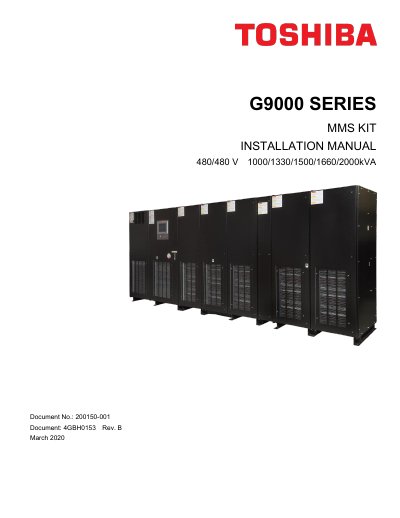
This manual provides instructions for the safe installation, operation, and maintenance of the Toshiba G9000 Series MMS KIT. The kit is required when two or more G9000 UPS systems are installed in a parallel operation configuration to establish communication circuits between modules. Installation must only be performed by qualified personnel following all safety warnings and procedures outlined in the document.
| Applicable UPS Capacity | 1000-2000kVA |
|---|---|
| Voltage | 480/480 V |
| Maximum Cable Length | 100m (330ft) |
| Communication Cable Type | Ethernet STP (Shielded Twisted Pair) Cat 6 or better |
An MMS KIT is required whenever two or more UPSs are installed in a parallel operation configuration.
Only qualified persons skilled in installation, construction, or operation of the equipment and trained in safety practices should install, operate, or service this equipment.
Ethernet STP (Shielded Twisted Pair) Cable (Cat 6 or better) with RJ45 modular connectors must be used.