
The manual provides setup, operation, maintenance, and troubleshooting instructions for Toshiba portable printers B-FP2D‑GH30‑CN‑S and B-FP2D‑GH50‑CN‑S.
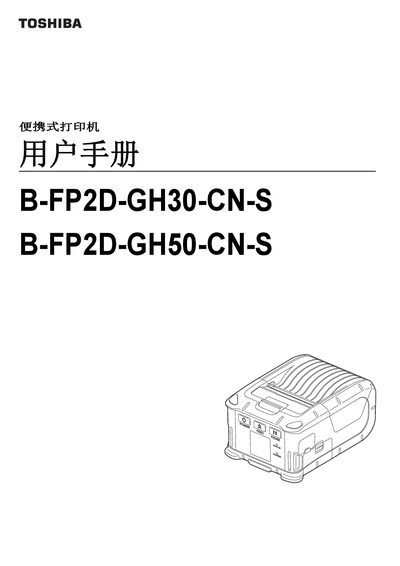
This user manual covers all aspects of the Toshiba portable printer, including a parts list, accessory connections, panel functions, battery installation and removal, optional charging adapters, paper roll installation, data transmission methods, daily maintenance, and troubleshooting. Detailed specifications such as resolution, print speed, dimensions, and supported interfaces are listed in the specifications section.
The guide also includes paper specifications, handling and storage recommendations for paper rolls, and safety warnings for battery handling. Users can find step‑by‑step procedures for common tasks and reference tables for barcode and QR‑code formats supported by the printer. This manual is written in Chinese.
| Resolution | 203 dpi (8 dots/mm) |
|---|---|
| Print Speed | up to 6 inches/s (152.4 mm/s) |
| Effective Print Width | 54 mm (2 inches) |
| Battery | 7.2 V 2500 mAh lithium‑ion |
| Dimensions (W×D×H) | 97 mm × 130 mm × 69 mm |
| Weight (incl. battery) | 462 g |
| Operating Temperature | -15 °C to 40 °C |
| Bluetooth Interface | Bluetooth V2.1+EDR |
| USB Interface | USB‑Type‑C 2.0 |
| Flash ROM | 128 MB |
| SDRAM | 32 MB |
The printer prints at 203 dpi (8 dots per mm).
If the battery leaks, emits smoke, or has an odor, stop using the printer immediately and keep it away from fire sources.