
This document introduces the use of Sato Compact Printer Series, including the preparation before use, how to load media, how to load ribbon, how to perform printing calibration and how to troubleshoot.
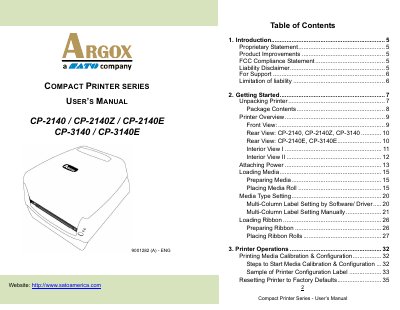
This is the user's manual for the Argox-made CP compact printer series distributed by SATO America: models CP-2140, CP-2140Z, CP-2140E, CP-3140 and CP-3140E. It covers unpacking and package contents, printer views, attaching power, loading media and ribbon, media calibration and configuration, printer controls and LED indicators, and communications interfaces.
The manual also covers print head cleaning and care, product specifications including programming languages PPLA, PPLB and PPLZ, and an appendix for installing and setting up the Rotary Cutter and Guillotine Cutter.
| Models covered | CP-2140, CP-2140Z, CP-2140E, CP-3140, CP-3140E |
|---|---|
| Standard interfaces (CP-2140, CP-2140Z, CP-3140) | Parallel, USB, RS232 Serial |
| Standard interfaces (CP-2140E, CP-3140E) | Ethernet, USB, RS232 Serial |
| Ethernet | 10/100 internal printer server option |
| Programming languages | PPLA, PPLB, PPLZ |
The package contains the printer, Quick Installation Guide, CD ROM, power cord, power supply, USB cable, media hanger and media shields, ribbon core adaptors and a 1" ID core for ribbon.
They have an Ethernet port, a USB port and an RS232 serial port.
Open Printer Properties, click Tools, then Configure and Cutter Setup, and select Rotary or Guillotine depending on the installed cutter.