
This manual describes the features and usage of the HT812/HT814 analog telephone adaptors.
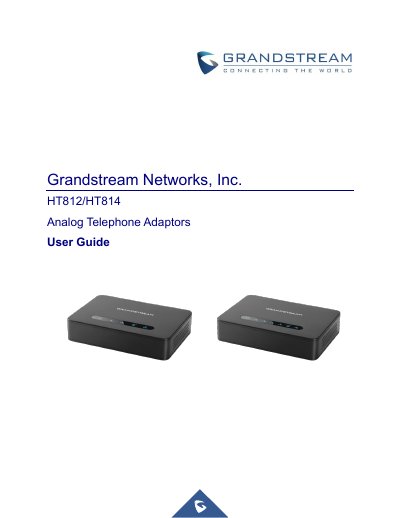
The document provides instructions on getting started with the Grandstream HT812/HT814 Analog Telephone Adaptors. It details how to connect the device using either the WAN or LAN port, describes the LED indicators, and explains how to obtain the IP address via a connected analog phone.
The guide further covers configuration methods through a web browser interface and interactive voice prompts (IVR). It outlines various call operations such as placing calls, call hold, transfer, 3-way conferencing, and accessing voicemail. Finally, it includes instructions on restoring factory default settings using the reset button or IVR commands.
| Telephone Interfaces (HT812) | Two (2) RJ11 FXS ports |
|---|---|
| Telephone Interfaces (HT814) | Four (4) RJ11 FXS ports |
| Network Interface | Two 10/100/1000 Mbps Ethernet port (RJ45) |
| Voice Codecs | G.711, G.723.1, G.729A/B, G.726, iLBC, OPUS, G722 |
| Fax over IP | T.38 compliant Group 3 Fax Relay up to 14.4kpbs |
| Ring Load (HT812) | 3 REN, up to 1km on 24AWG line |
| Ring Load (HT814) | 2 REN, up to 1km on 24AWG line |
Map each digit or letter of the MAC address to a specific key sequence (e.g., 'A' is pressed twice as '22') and enter the resulting string.
The device supports G.711 with Annex I and II, G.723.1, G.729A/B, G.726, iLBC, OPUS, and G722.