
VAST 2 is a smart video management system that provides smart search, smart tracking, transportation integration and other functions.
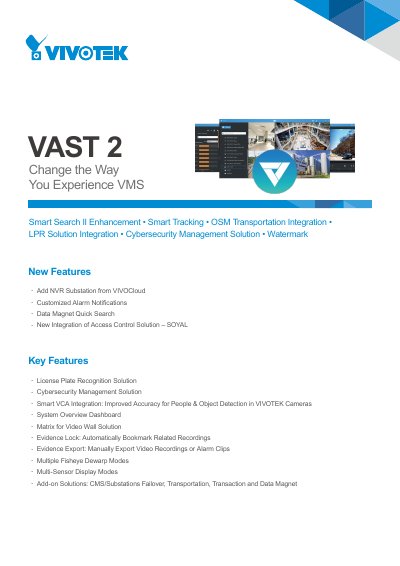
The VIVOTEK VAST 2 is a video management system designed to enhance surveillance experiences through advanced features like Smart Search II, OSM Transportation Integration, and License Plate Recognition (LPR) Solution. It supports integration with VIVOTEK cameras for improved accuracy in people and object detection via Smart Video Content Analysis (Smart VCA). The system also offers robust cybersecurity management by integrating attack events from cameras and NVRs into a central alarm management site.
Key capabilities include the ability to add NVR substations from VIVOCloud, customized alarm notifications, and evidence export functions. The software supports various display modes for fisheye and multi-sensor cameras, as well as matrix solutions for video walls. It provides comprehensive technical specifications regarding supported operating systems, maximum camera counts, recording formats, and alarm management settings.
| Maximum Number of Cameras | 256 |
|---|---|
| Maximum Number of Servers | 200 |
| Supported OS (Server) | Windows Server 2012, 2016, 2019 |
| Supported OS (Client) | macOS 10.15 Catalina |
| Maximum LiveView Channels per Monitor | 64-channel |
| Video Resolution Support | Up to 12 Megapixels |
| Recording File Format | 3GP |
Data Magnet supports VIVOTEK License Plate Recognition cameras, third-party data sources, POS machines, and Access Control systems.
The system supports Windows 10 and 7, as well as Windows Server 2012, 2016, and 2019.
The system supports a maximum of 256 channels per recording group.
Pre-record time ranges from 3 to 15 seconds, while post-record time ranges from 10 to 60 seconds.