
Quick Installation Guide
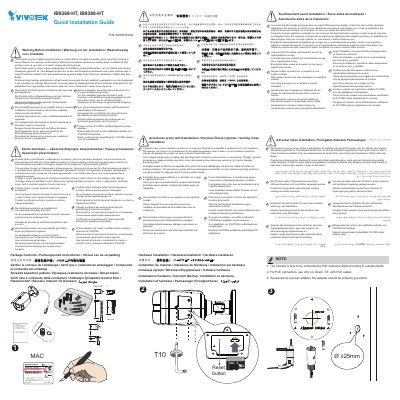
This document serves as a Quick Installation Guide for the VIVOTEK IB9368-HT and IB9388-HT Network Cameras. It provides instructions on verifying the package contents before setup and details the hardware installation process.
The guide includes critical safety warnings regarding proper mounting locations, such as ensuring the camera is installed in a secure, high position (at least 3 meters above ground) away from impacts or vibration. It also advises storing the product in a dry environment prior to installation.
The product must be installed at a location that is not easily accessible, such as on a wall or at least 3 meters above the ground.
Before installation, the product should be stored in a dry and ventilated environment.
The product must not be installed on an unstable mount or surface.