
VIVOTEK IP8151/51P Network Camera User's Manual

This is a user manual for VIVOTEK 2 network camera
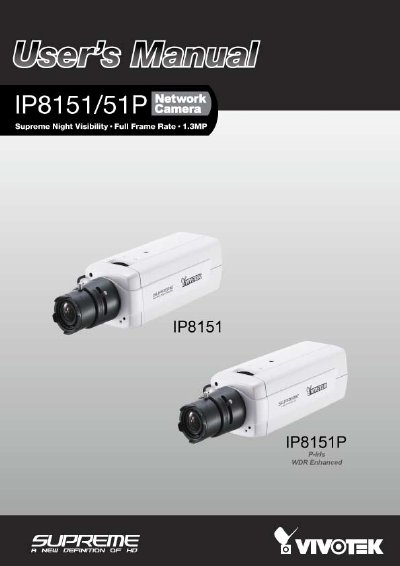

VIVOTEK IP8151/51P Network Camera User's Manual - cover page
Brand
Vivotek
Document type
User Manual
Language
English
Pages
179
File format
PDF
File size
7.9 MB
Published
16 October, 2023
Updated
16 October, 2023
Model
51P
MD5 checksum
EE55882F2724829FA7A6C463FB86BA0D

About this manual

This manual provides instructions for the VIVOTEK IP8151/51P network camera, a 1.3MP surveillance device featuring Supreme Night Visibility and full frame rate capabilities. It details the package contents, physical description, and hardware installation steps, including mounting the CS-mount lens and connecting power and data cables.

What's inside

  • Package Contents
  • Physical Description
  • Hardware Installation
  • Network Deployment
  • Software Installation
  • Audio and Video
  • Motion Detection
  • Camera Control
  • Local Storage
  • Maintenance

Specifications

Resolution1.3MP
Power InputAC 24V
Storage SupportSD/SDHC 16GB / 8GB
Network InterfaceEthernet 10/100

Frequently asked questions

What is the recommended way to reset the camera?

Press and release the recessed reset button with a paper clip or thin object to reboot the system.

How do I restore factory default settings?

Press and hold the recessed reset button until the status LED rapidly blinks.

Is this camera suitable for outdoor use?

No, the manual states that this camera is for indoor use only.

Download PDF (7.9 MB)

More Vivotek Manuals


View all Vivotek manuals →