
Vivotek PT3117/PT3127 Wireless Network Camera User Manual

This is a user manual of a network camera product
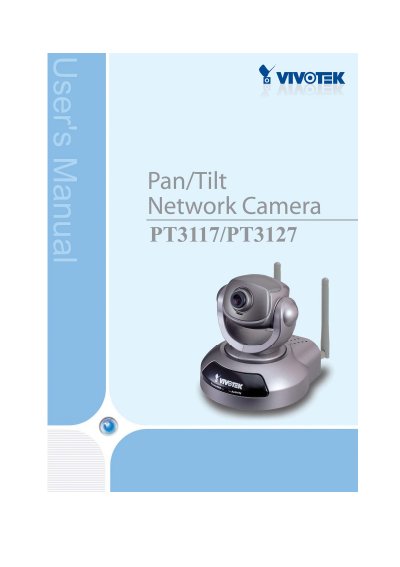

Vivotek PT3117/PT3127 Wireless Network Camera User Manual - cover page
Brand
Vivotek
Category
Other Electronics
Document type
User Manual
Language
English
Pages
71
File format
PDF
File size
1.6 MB
Published
16 October, 2023
Updated
16 October, 2023
MD5 checksum
C6090D2D8E3572F9F5DE1CA6161DBFBA

About this manual

This document serves as the user guide for the Vivotek PT3117 and PT3127 Wireless Network Cameras. It covers the complete lifecycle of the device, from verifying package contents and performing hardware installation to configuring network settings and utilizing advanced features like motion detection and remote control.

What's inside

  • Before You Use This Product
  • Package Contents
  • Installation
  • Initial Access to the Network Camera
  • How to Use
  • System Parameters
  • Network Settings
  • WLAN Configuration
  • Troubleshooting
  • Frequently Asked Questions

Specifications

Product NameWireless Network Camera
Release Date2006/08/14
Manual Revision1.10
OriginMade in Taiwan

Frequently asked questions

What is the Ethernet cable specification?

The Ethernet cable should meet the specs of UTP Category 5 and not exceed 100 meters in length.

What happens if the self-test fails?

If the self-test fails, the red LED will blink several times.

Download PDF (1.6 MB)

More Vivotek Manuals


View all Vivotek manuals →