
This is a product manual for a network camera. The product can be connected to the network and used for video sharing and other applications.
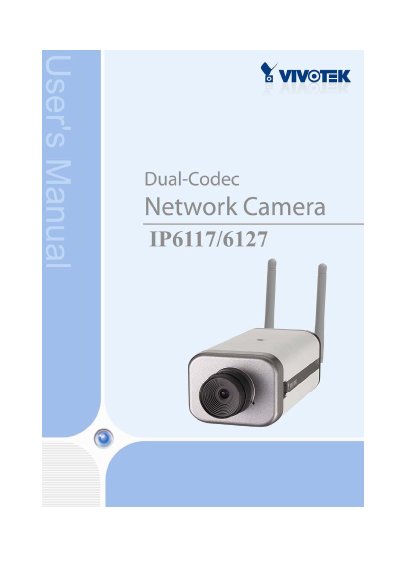
The Vivotek IP61x7 is a wireless network camera designed for video sharing and general security/surveillance applications. This user manual covers hardware installation via Ethernet or wireless LAN, software setup on Windows systems, and initial access procedures.
The document details how to configure the camera's settings through a web interface, including authentication, client settings, administrator capabilities, and fine-tuning options for real-time video images. It also explains how to build multimedia attractions, security applications with motion detection snapshots, and utilize URL commands for customization.
| Sensor Type | 1/3 inch color CCD sensor |
|---|---|
| Lens Mount | CS mount F2.0, f=6.0mm |
| Video Algorithms | MPEG4 simple profile/MJPEG selectable |
| Operating System | Microsoft Windows 98SE/ME/2000/XP |
| Browser Requirement | Internet Explorer 5.x or above |
The package contains the IP61x7 camera, power adapter, antennas, camera stand, wrench, software CD, quick installation guide, and warranty card.
If Ethernet is not available, the Network Camera will automatically search for any access point with the SSID 'default' to switch to wireless LAN mode.
The adapter accepts an input of 100-240VAC at 50/60Hz and provides an output of 12VDC, 1.5A.