
This document introduces the use and precautions for Vivotek Network Camera (IP7138)
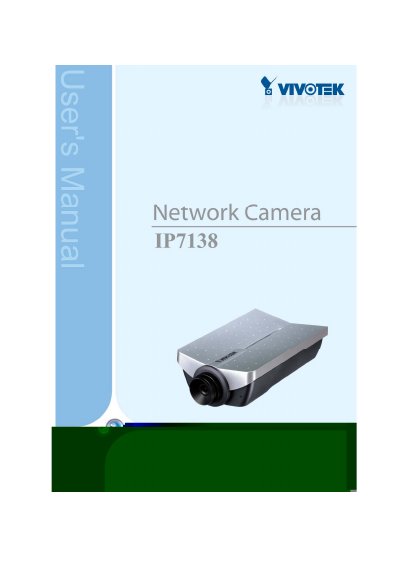
This manual provides instructions for the Vivotek IP7138 Network Camera, a high-performance web-ready surveillance device. It covers hardware and software installation, initial network access, and security setup, including password configuration and user account management. The guide explains how to use the camera for video sharing and security applications via web browsers on Windows or Linux systems.
| Resolution | 1280x1024 |
|---|---|
| CPU | Vivotek VVTK-1000 |
| RAM | 64MB SDRAM |
| ROM | 8MB FLASH ROM |
| Video Algorithm | MPEG4(simple profile), JPEG |
| Camera Sensor | Micron MT9M111 1/3 inch SOC MegaPixel CMOS |
| Lens | Fixed focal with fine tuning, 4.0mm, F2.0 |
| Dimensions | 147mm(L) x 96mm(W) x 47mm(H) |
| Weight | 276g |
| Power Input | 100-240VAC, 50/60Hz, 0.5A |
The default Administrator's password is blank.
The Administrator can set up a maximum of twenty (20) user accounts.
The user name for the Administrator is permanently assigned as 'root'.