
This is a product manual that introduces the hardware installation and network deployment of IP8352 network camera, as well as usage methods.
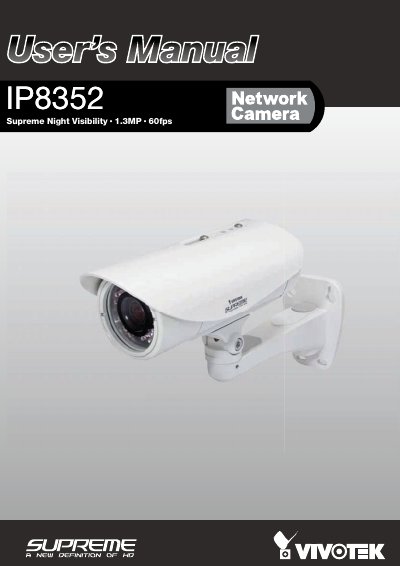
The VIVOTEK IP8352 is a 1.3-Megapixel bullet network camera designed for diverse outdoor applications. It features a progressive scan CMOS sensor with exceptional low lux capabilities, offering high-performance H.264/MPEG-4/MJPEG compression and up to 60 fps video quality. The camera includes a removable IR-cut filter, built-in IR illuminators, and an IP67-rated housing to protect against rain and dust. It supports 802.3af compliant PoE and includes a MicroSD/SDHC card slot for on-board storage.
| Resolution | 1.3-Megapixel |
|---|---|
| Video Quality | 60 fps @ 720p and 30fps @ 1.3MP |
| Protection Rating | IP67 |
| Power Supply | 802.3af compliant PoE |
| Storage | MicroSD/SDHC card slot |
It is designed for diverse outdoor applications such as parking lots, entrances, and housing communities.
Yes, it comes with a removable IR-cut filter and built-in IR illuminators for both day and night applications.
The camera supports 802.3af compliant PoE and includes a power adapter.