
This is a product manual for IP7133 network camera
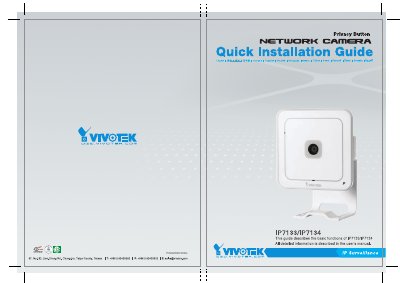
This guide describes the basic functions of the VIVOTEK IP7133 and IP7134 network surveillance cameras. It includes safety precautions, physical descriptions of the front and rear panels, and general usage instructions for connecting external devices like sensors or alarms.
The manual details how to install the camera using a wired Ethernet connection via an Installation Wizard 2 software tool found on the CD. It also covers specific configuration steps for setting up wireless (WLAN) connections for the IP7134 model, including selecting SSIDs and network modes. This manual is written in Portuguese.
This guide describes the basic functions of the IP7133/IP7134 network camera.
You must use a Category 5 Crossover Cable when connecting the camera directly to a PC.
The pre-set SSID name for the IP7134 is "default".