
This is a user manual that introduces the use of Video Server (VS2403) device.
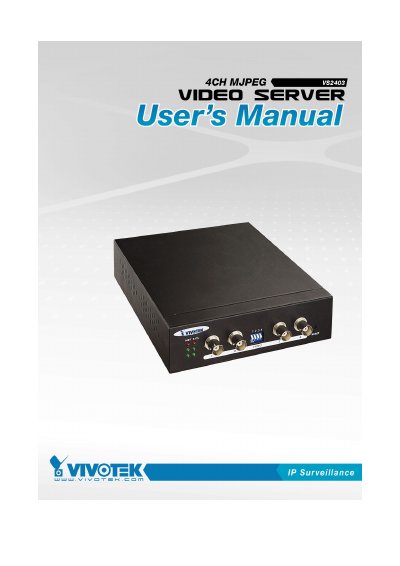
The VIVOTEK VS2403 is a high-performance networking video multiplexer designed to compress and transmit real-time video through standard TCP/IP internetworks. It features a powerful VLIW DSP core for motion-JPEG compression, allowing up to four video inputs to be efficiently processed without delay. The device supports various advanced functions including built-in motion detection, privacy masking, flexible I/O control for external devices, and remote system upgrades via firmware.
| Video Inputs | Four BNC video inputs |
|---|---|
| Network Interface | 10/100 Ethernet socket |
| Relay Output Capacity | Max. 1A, 24V DC or 0.5A, 125V AC |
| DC Power Output | Max. 500mA at 12V DC |
The Video Server allows up to four cameras to be attached simultaneously.
A UTP category 5 cable of length shorter than 100 meters is required.
No, users can access the Video Server anywhere over the Internet using any popular Web browser without installing additional software.