
Elo TouchSystems 1519L/1919L LCD Touch Monitor User Guide

This user guide covers installation, operation, troubleshooting, and specifications for the Elo TouchSystems 15.6" and 18.5" LCD touch monitors.
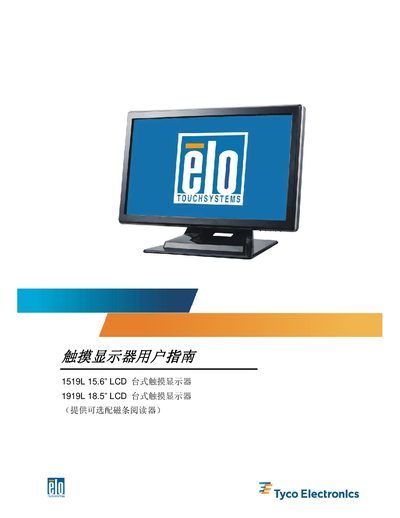

Elo TouchSystems 1519L/1919L LCD Touch Monitor User Guide - cover page
Brand
Elo TouchSystems
Category
Monitor
Document type
User Manual
Language
Chinese
Pages
42
File format
PDF
File size
1.7 MB
Published
13 October, 2026
Updated
13 October, 2026
MD5 checksum
1A36D1AB85404D615B1920505D9F3129

About this manual

This document serves as the user guide for the Elo TouchSystems 1519L (15.6") and 1919L (18.5") LCD touch monitors. It provides instructions on unboxing, assembling the stand, connecting interfaces such as VGA, USB, and audio, and installing the necessary drivers for various operating systems including Windows 7, Vista, XP, and MS-DOS. This manual is written in Chinese.

What's inside

  • Introduction
  • Installation and Setup
  • Operation
  • Troubleshooting
  • Specifications
  • Safety
  • Maintenance

Frequently asked questions

What is the maximum resolution supported by the 1519L and 1919L touch monitors?

The maximum resolution for both models is WXGA 1366:768.

What are the physical dimensions of the 1519L and 1919L touch monitors?

The 1519L measures 383.05 x 276.5 x 213.2mm, and the 1919L measures 406.21 x 276.5 x 213.2mm.

What is the input voltage range for the power adapter of these monitors?

The power adapter accepts an AC input of 100-240V at 50-60Hz.

Download PDF (1.7 MB)

More Elo TouchSystems Manuals


View all Elo TouchSystems manuals →