
This user guide covers installation, setup, operation, and troubleshooting for the Elo TouchSystems 2240L 22-inch LCD touch monitor.
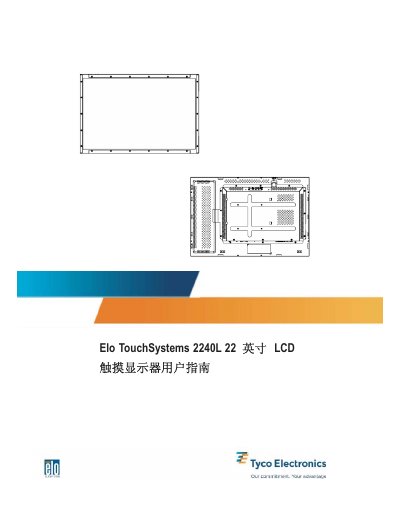
This manual provides instructions for the Elo TouchSystems 2240L 22-inch LCD touch monitor, covering introduction, safety precautions, and installation procedures. It details how to unpack the unit, connect cables (VGA, USB/Serial, Power), and install the necessary drivers on a computer. This manual is written in Chinese.
| Screen Size | 22 inch |
|---|---|
| Resolution | 1680 X 1050 |
| Touch Technology | APR, IntelliTouch, SecureTouch, Surface Capacitive |
| Warranty Period | 3 years |
No, the manual warns not to connect both types of cables at the same time.
The warranty period for the touch monitor and its components is 3 years.